Infinite Creation.
Without Limits.
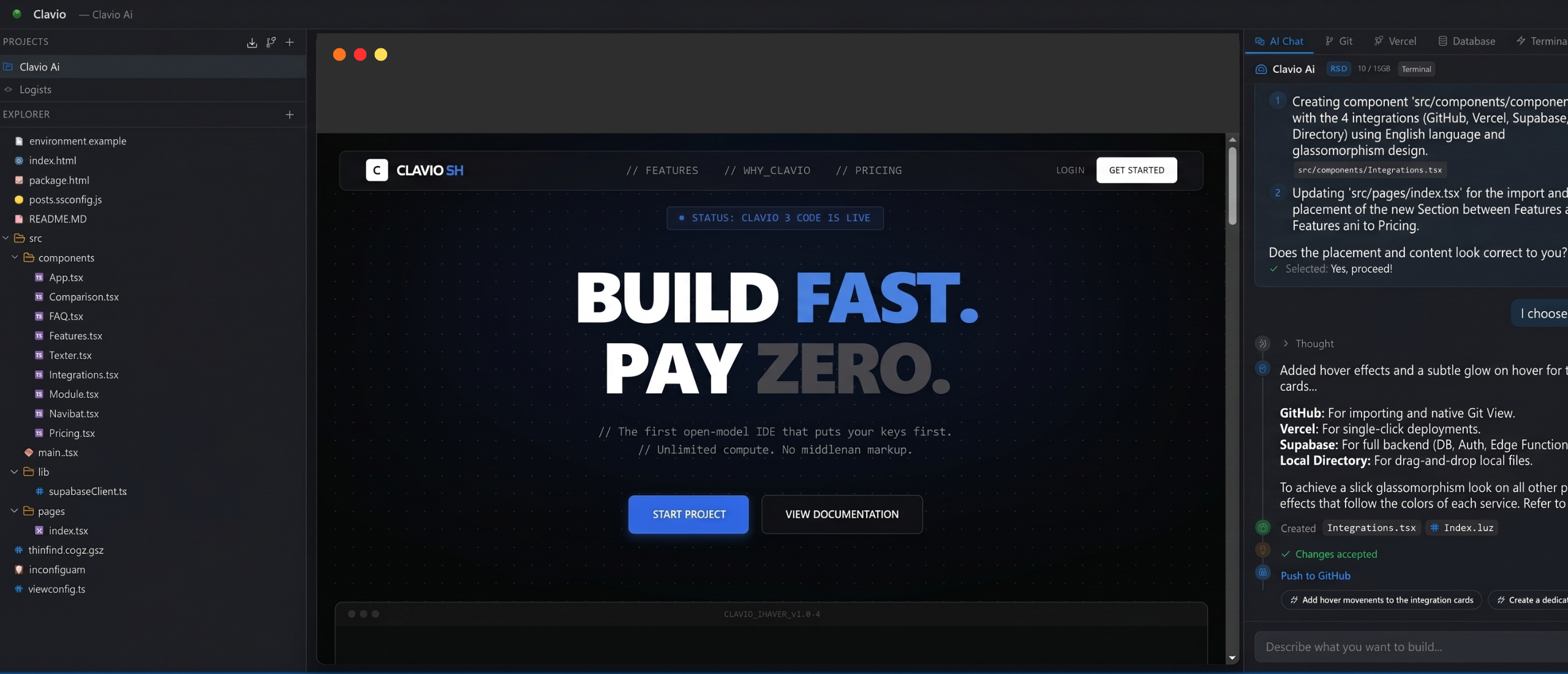
// The first open-model IDE that puts your keys first. // Unlimited compute. No middleman markup.
Intelligence without limits.
Experience the power of local-first AI with optimized inference and massive context awareness.
1 Million Token Memory
Clavio reads and remembers your entire project at once. No more limited responses or memory errors.
Instant Response Speed
Code at the speed of thought. With sub-second latency, the AI starts writing before you even finish your prompt.
Senior Intelligence
Deep understanding of complex architectures, TypeScript, React, and Node.js. It's like having a Senior Engineer by your side 24/7.
Wait, isn't it the same as Cursor?
No. We believe you shouldn't pay twice for your compute.
| Capability | Clavio | Lovable | Cursor | Bolt | Antigravity |
|---|---|---|---|---|---|
| Bring Your Own Key | ✅ | ❌ | ⚠️ | ❌ | ❌ |
| Unlimited Messages (Own Key) | ✅ | ❌ | ❌ | ❌ | ❌ |
| Desktop App | ✅ | ❌ | ✅ | ❌ | ❌ |
| Starting Price | Free | $25/mo | $20/mo | $20/mo | $20/mo |
BYOK ARCHITECTURE
Full support for OpenAI, Anthropic, and Google Gemini API keys. Zero latency injection.
CONTEXT ENGINE V2
Proprietary codebase indexing. 200k+ tokens of context window awareness for your AI.
GIT INTEGRATION
Native Git flow. Resolve conflicts, manage branches, and push directly to origin.
HOT MODULE RELOAD
Instant feedback loop with integrated browser engine and ultra-fast preview.
DESKTOP RUNTIME
Optimized C++ core for Windows and macOS. Full filesystem access for large repos.
CLAVIO 3 CODE
Our native proprietary LLM. The perfect choice if you prefer not to use your own API keys or external models like Claude and Gemini.
INTEGRATED TERMINAL
Built-in shell with local server support. Spin up dev servers and run scripts without leaving the IDE.
Built-in Integrations
Clavio isn't just an editor. It's a complete development ecosystem designed to take your ideas from code to production.
GitHub
Connect your account to import repositories and manage version control with a native Git interface.
Vercel
Ship your code to production with a single click. Fully integrated deployment workflows.
Supabase
Full access to your databases, authentication layers, and Edge Functions without leaving the editor.
Local Directory
Drag-and-drop entire folders or upload local files to start building instantly.
Fair pricing for everyone.
Free forever for those who bring their own power.
Free Forever
- ✓ Use with your own API keys
- ✓ Unlimited messages
- ✓ 1 Project
- ✓ Access to all models
- ✓ Our own Clavio 3 Code model (20 msgs/mo)
Pro
- ✓ Everything in Free
- ✓ Our own Clavio 3 Code model (1,000 msgs/mo)
- ✓ Unlimited Projects
- ✓ 1,000 managed AI messages
Supported Models
Gemini 3.1 Pro/Flash
GPT-5.4 Pro/Mini
OpenAI
Claude Opus 4.7
Anthropic
Claude Sonnet 4.6
Anthropic
Claude Haiku 4.5
Anthropic
Llama 4 Scout
Meta
Llama 3.3 70B
Meta
Clavio 3 Code
Clavio
Frequently Asked Questions
Yes. If you use your own API keys, Clavio is free forever.
You can bring keys from Google Gemini, OpenAI, Anthropic, or Groq.
Cursor charges monthly even with your keys. Clavio is unlimited and free with your own keys.
Your keys are stored locally on your device or in your private environment. We never store your keys on our servers.
Absolutely. Clavio acts as a direct interface between you and the LLM. Your code remains yours and is never used for training or shared.
No. We do not use your code, prompts, or data to train any models.
Yes, you can use Clavio for any commercial project. The code you generate belongs entirely to you.
Yes! Clavio connects seamlessly with GitHub for version control, Supabase for your database, and Vercel for instant deployments, right from the IDE.
Absolutely. You can open any local folder or clone a repository directly from GitHub to start working immediately.